The software collection / 94 assets
People. Agents.
A shared workflow.
Explain the journey from a human request to an AI-assisted result. Agents, tools, service records, and the people who decide what happens next.
Generated with OpenAI models · Transparent PNG · MIT licensed
Follow the mint messages from the requester into email intake and manual triage. Status rings identify the current work.
Choose your building blocks
A place for every role.
94one-cell objects
Showing all 94 objects. Choose a card to download its transparent sprite sheet.
No matching objects. Try another name or choose all categories.
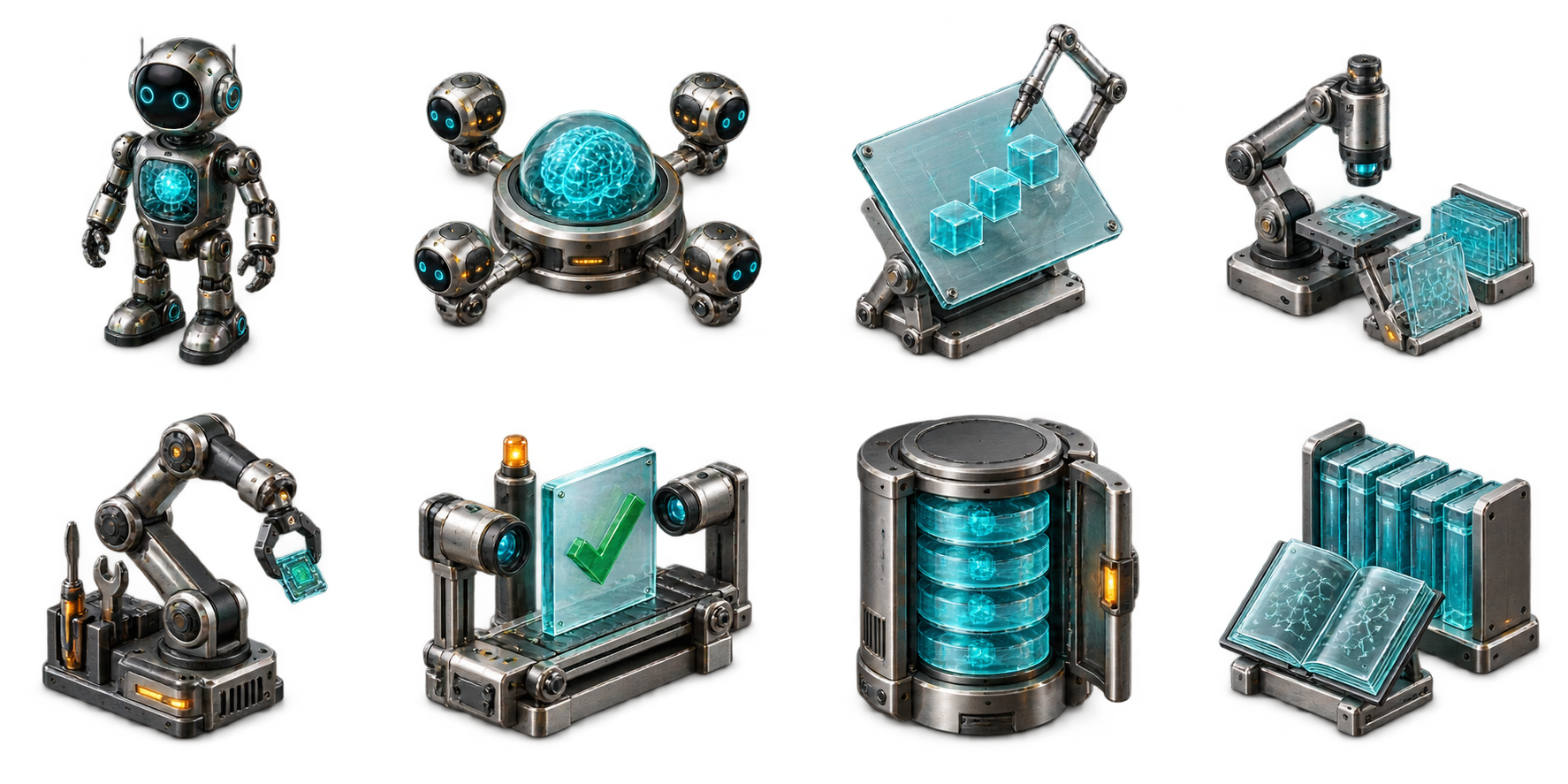
AI agents
Agents, orchestrators, planners, researchers, and reviewers.
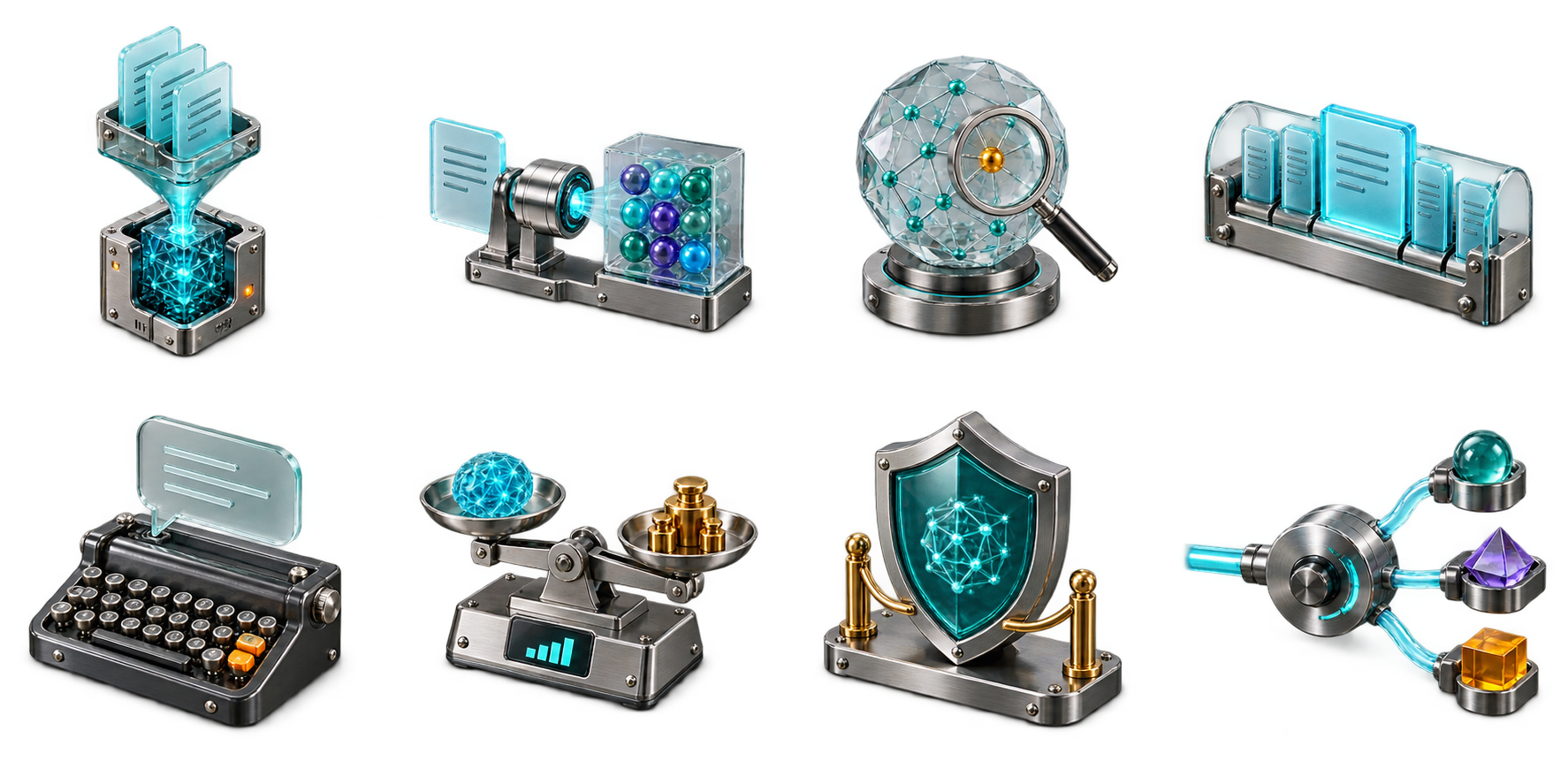
AI knowledge & quality
Retrieval, context, prompts, evaluation, and guardrails.
People & collaboration
Requesters, operators, experts, approvals, and handoffs.
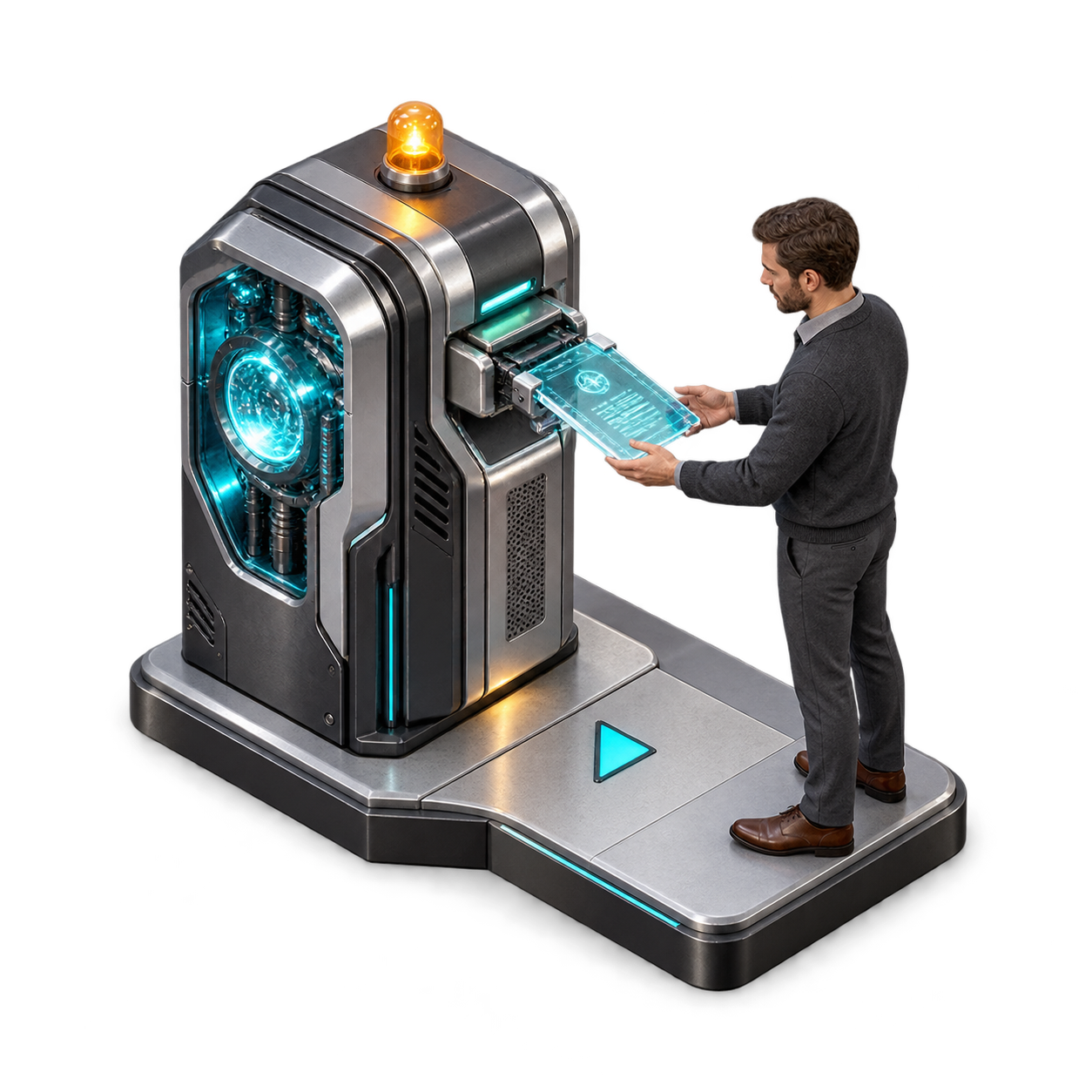
ai-to-human-handoff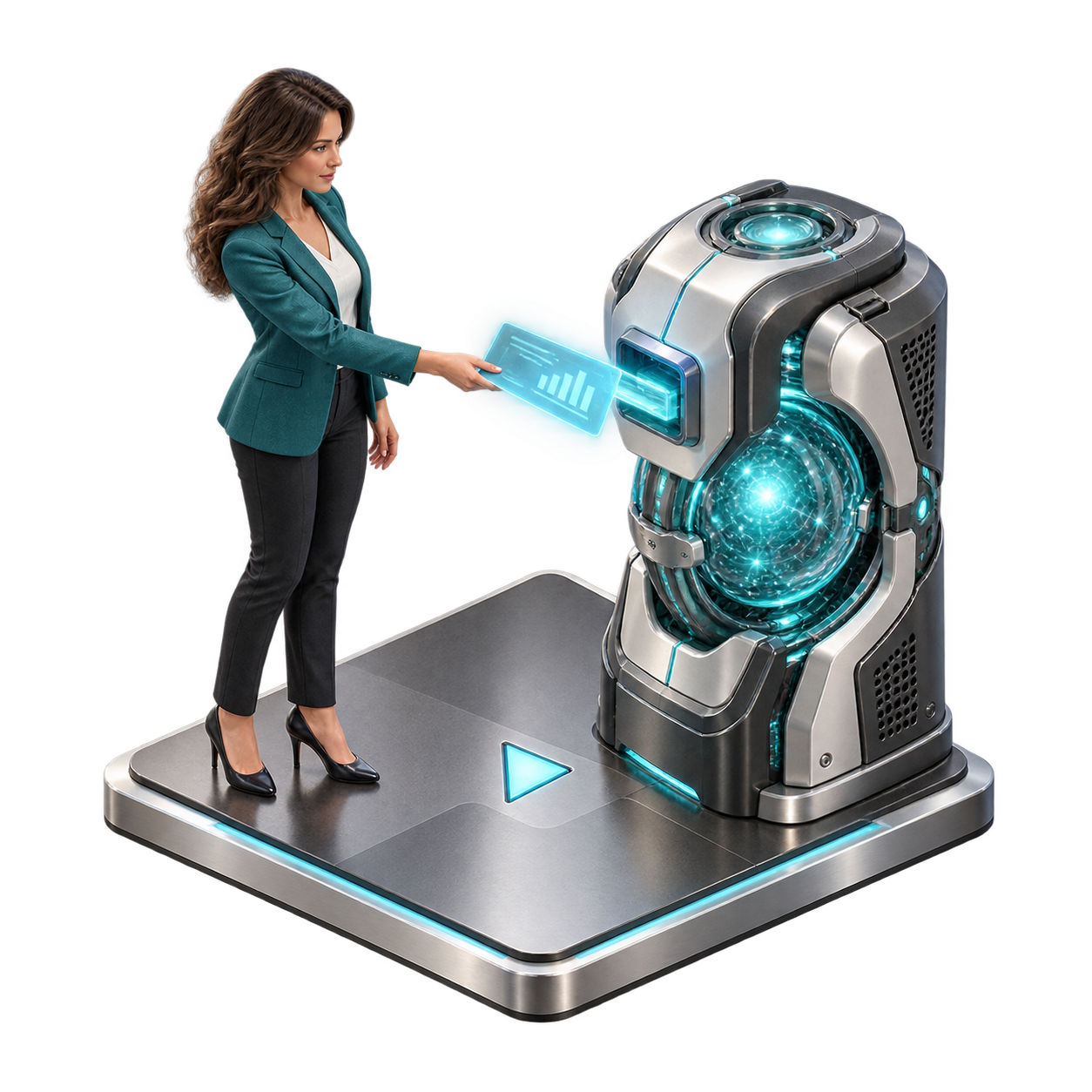
human-to-ai-handoff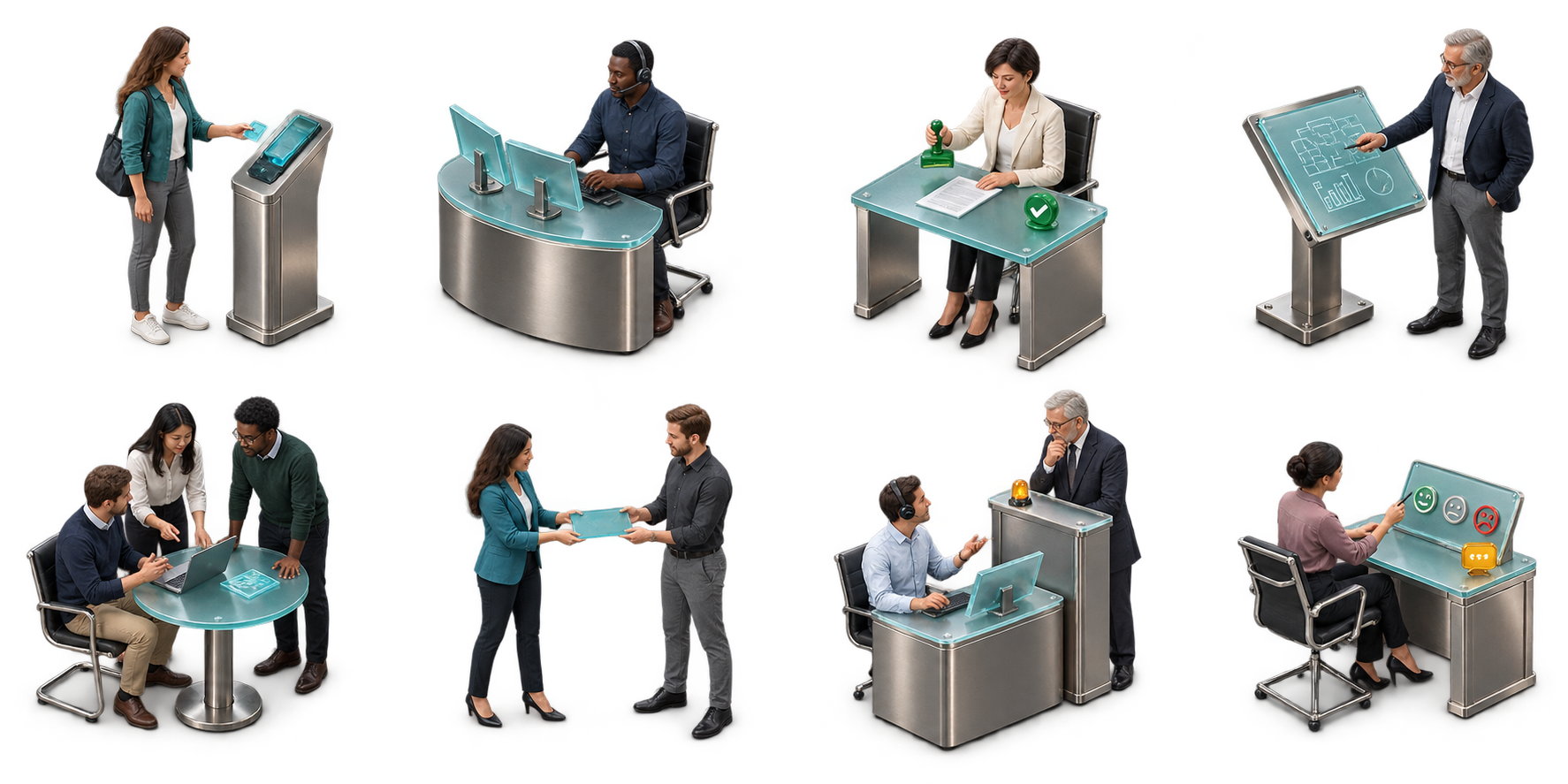
human-requesterhuman-operatorhuman-approverhuman-experthuman-teamhuman-handoffhuman-escalationhuman-feedbackIntake channels
Bring conversations, documents, and events into the workflow.
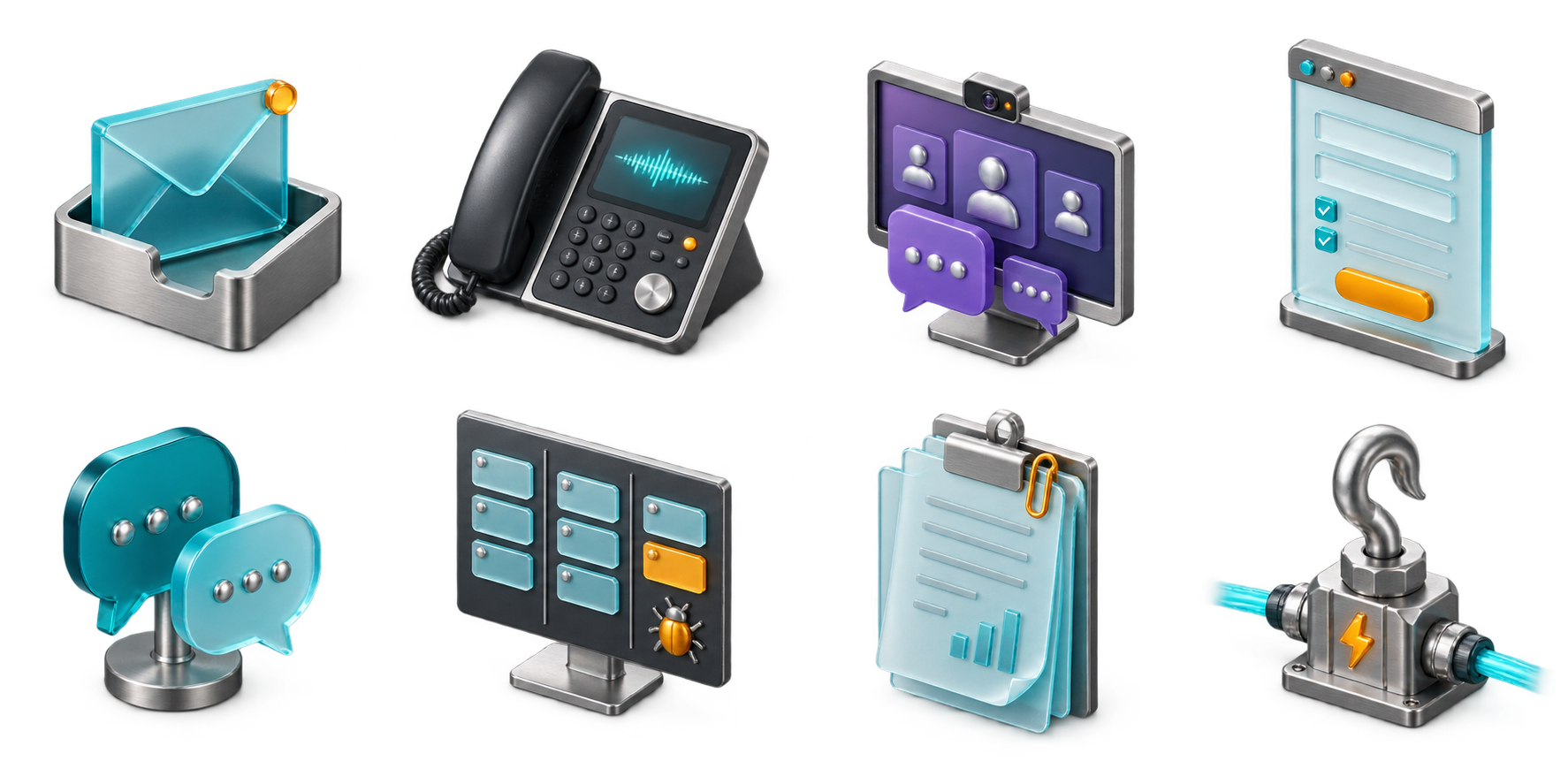
Workflow control
Parallel work, conditions, loops, retries, and failures.
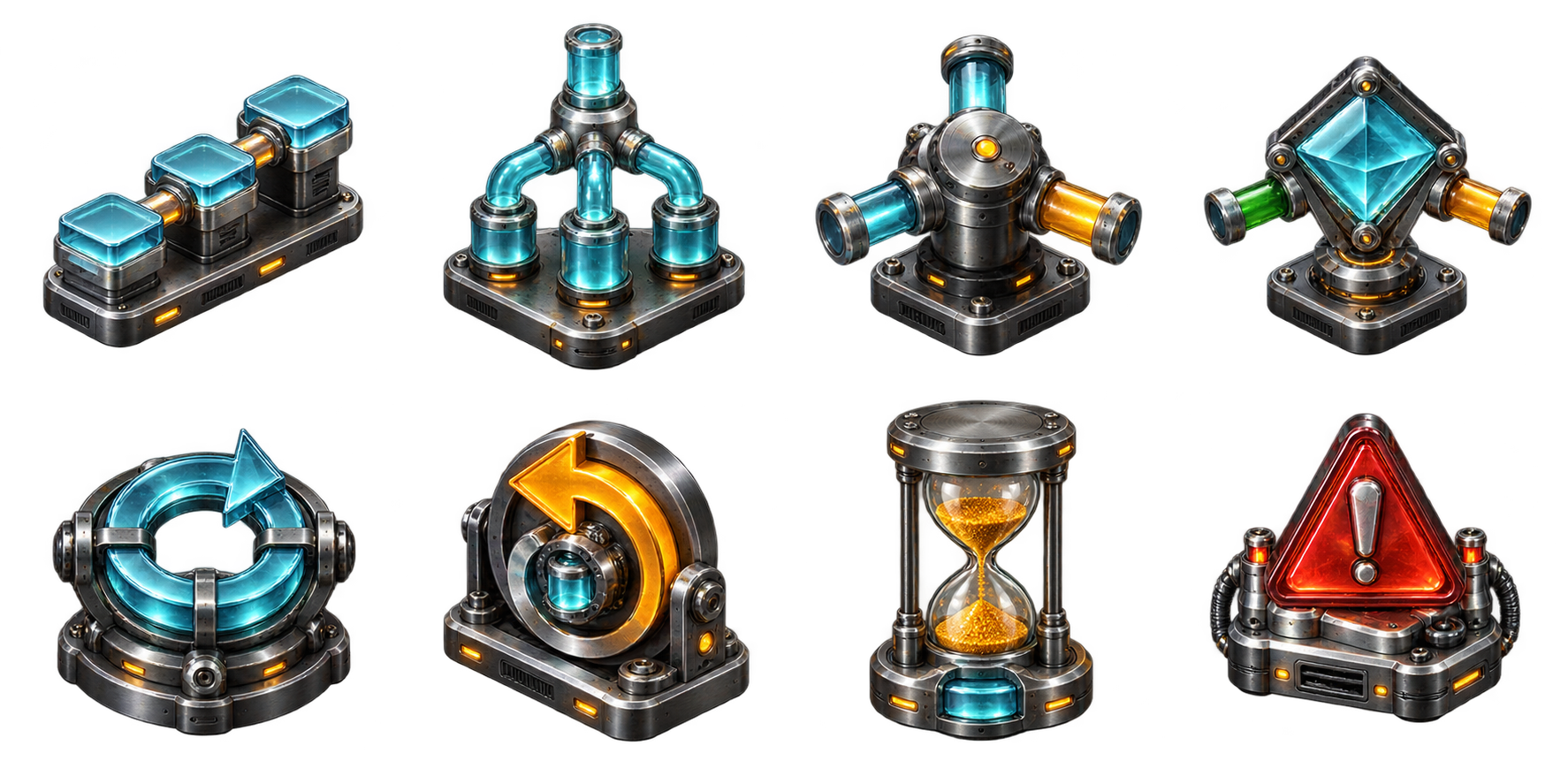
Workflow events
Triggers, waiting, decisions, audit trails, and completion.

ServiceNow records
Distinct records for conversations, requests, fulfillment, and IT service work.
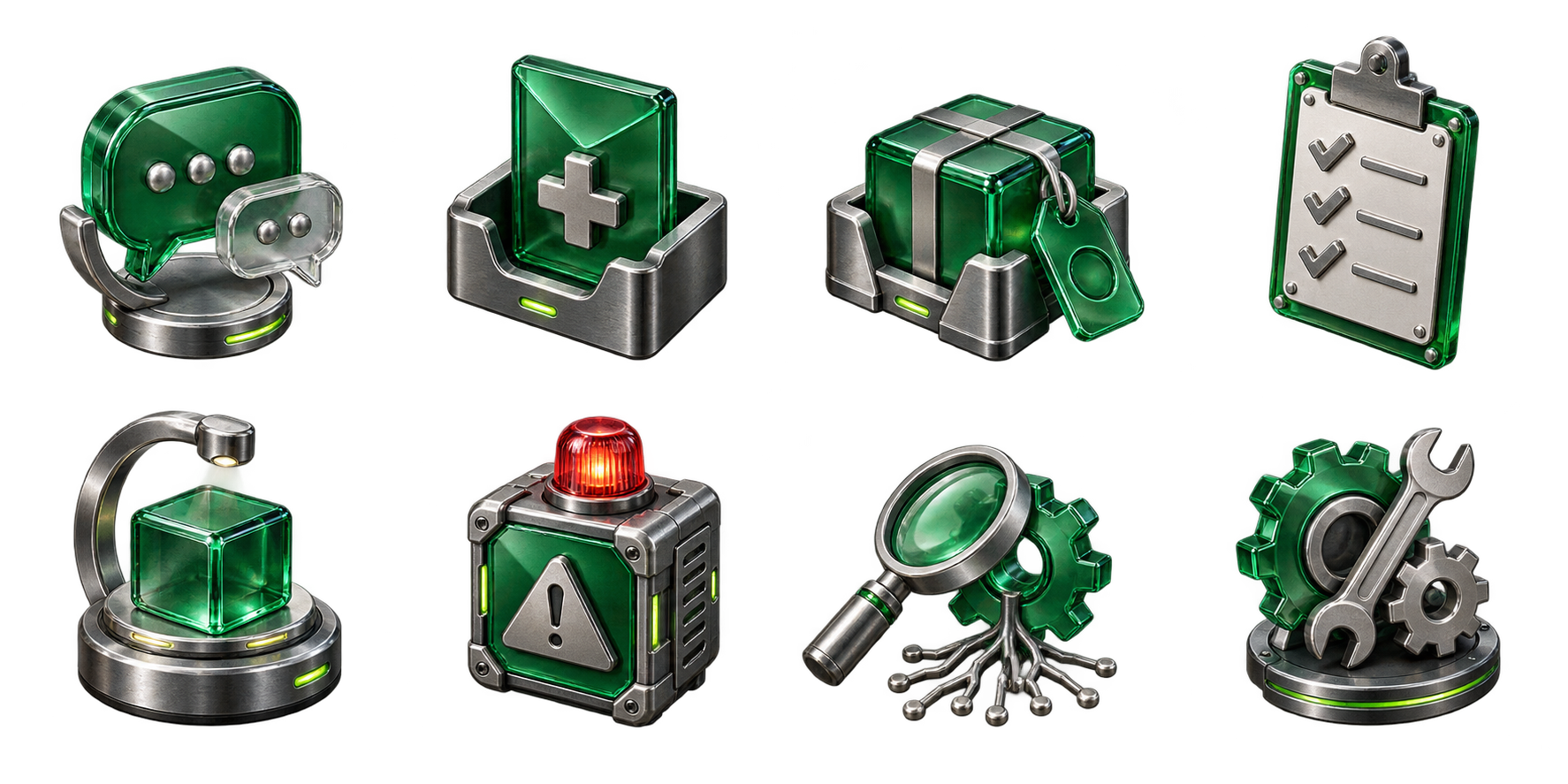
servicenow-interactionservicenow-requestservicenow-requested-itemservicenow-request-taskservicenow-catalog-itemservicenow-incidentservicenow-problemservicenow-changeModel providers
Cloud platforms, model APIs, and local inference.
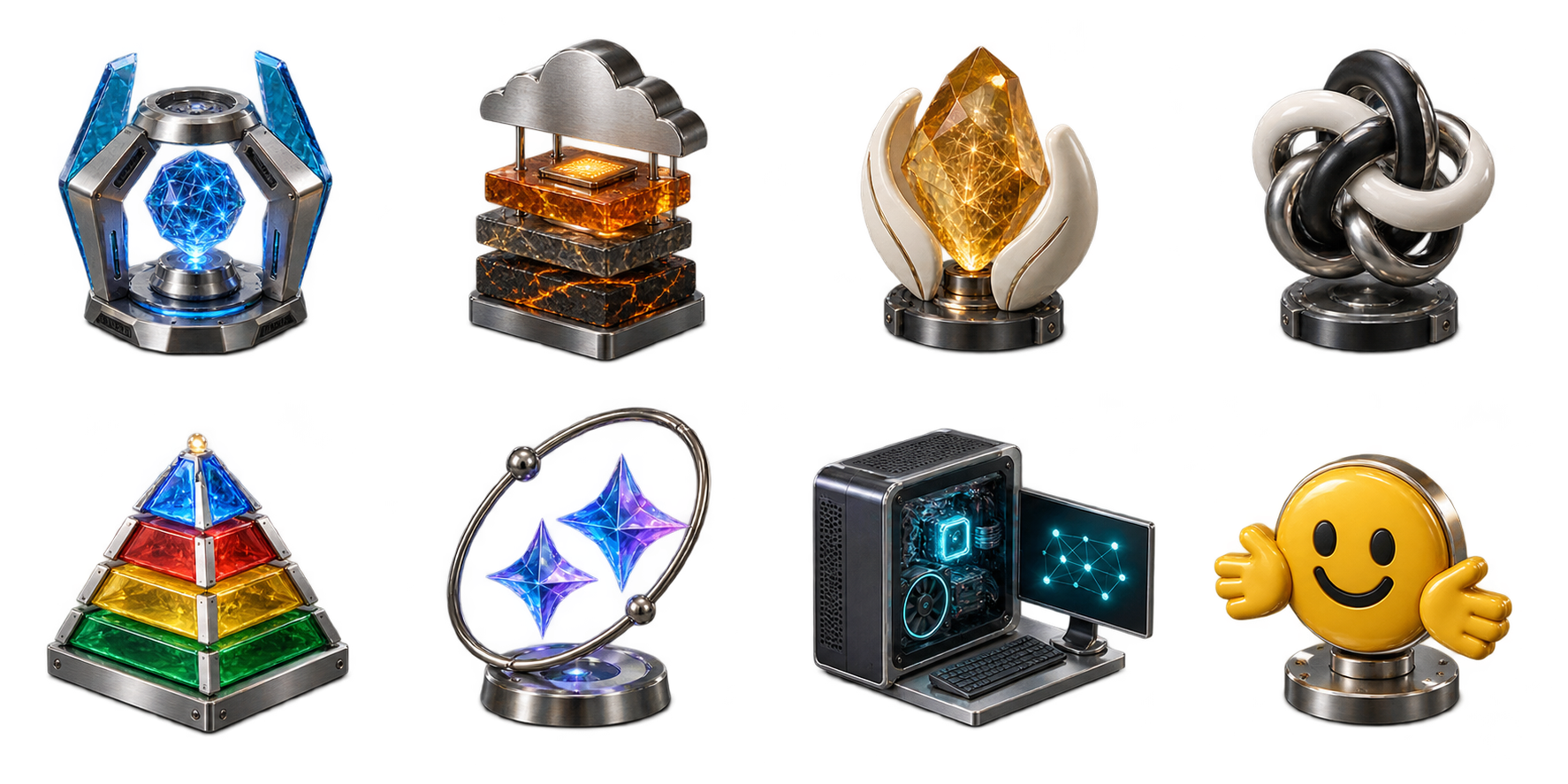
Tools & infrastructure
Redis, retrieval stores, knowledge bases, APIs, and credentials.
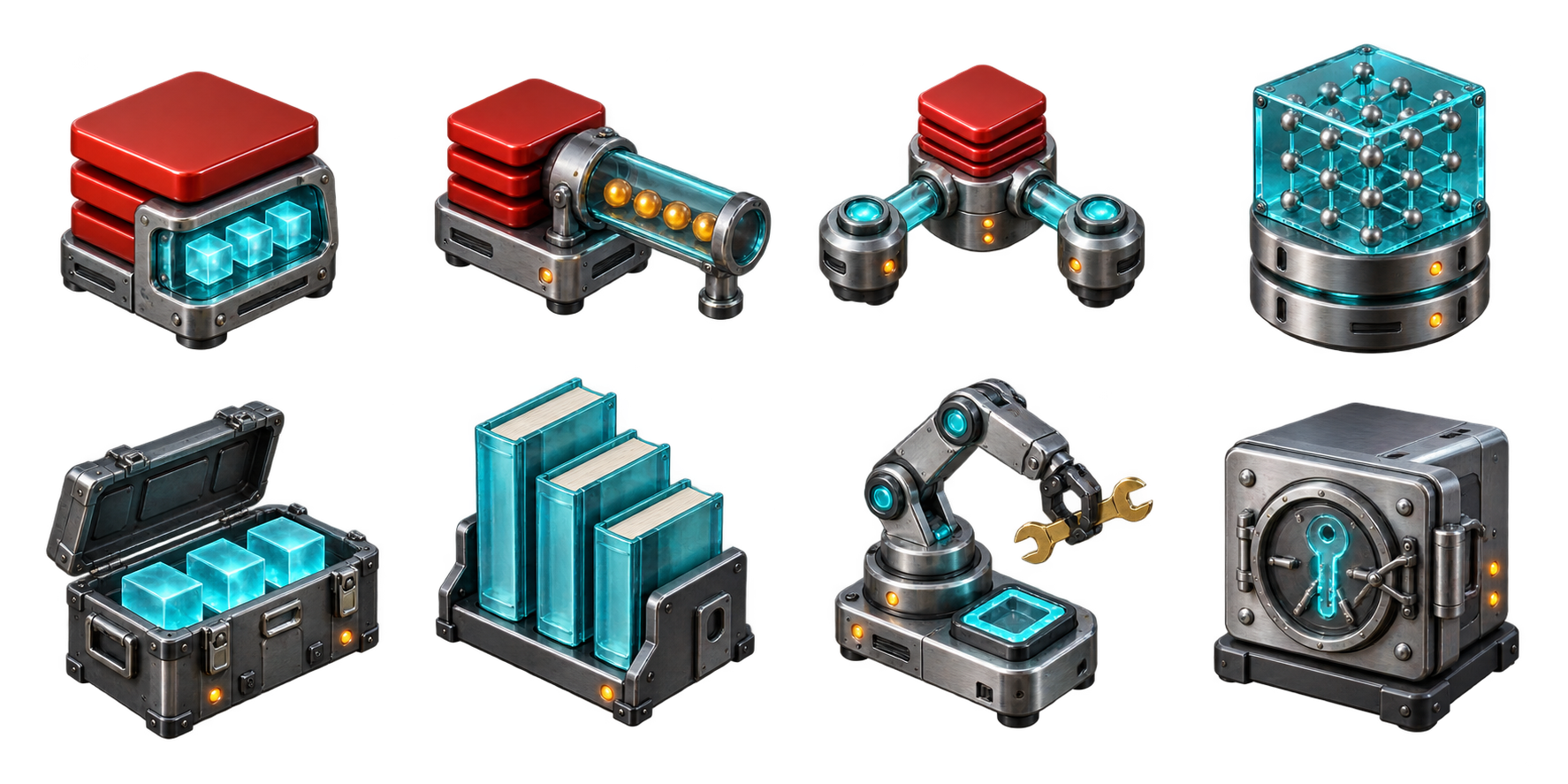
Software architecture
The components behind a system, from requests to background jobs.

architecture-browserarchitecture-api-gatewayarchitecture-servicearchitecture-databasearchitecture-cachearchitecture-queuearchitecture-workerarchitecture-load-balancerarchitecture-storagearchitecture-cloudarchitecture-containerarchitecture-observabilityClassic workflows
Starts, tasks, decisions, events, and endings.

Business processes
Schedules, documents, and human approvals.
From collection to canvas
Ready for your
next explanation.
Open the sample in the editor, or copy the included asset folder into your website and reference their sprites from YAML. Each asset fits one grid cell with a checked ground-contact anchor.
- Copy the collection into
public/assets/software-architecture. - Declare the assets you need and place them on whole grid cells.
- Add labels and connections, then validate and compile your scene.
Read the setup and usage guide →
Create or extend a catalog in your own visual style →
Provider and ServiceNow objects are conceptual illustrations. Use labels to identify the product or record.
AI-generated using OpenAI image-generation models. Free to use and adapt under the MIT license. Keep its notice with redistributed assets. Generation notice and terms →
header:
  version: "1.0"
  assetBaseUrl: ./assets/software-architecture
  assets:
    - id: software
      type: sprite-sheet
      path: architecture/architecture-sprites.png
      sheetSize: [1448, 1086]
      sprites:
        service:
          rect: [730, 0, 350, 350]
          anchor: [0.507, 0.931]
  layers:
    - name: structures
scenes:
  - id: initial
    elements:
      - id: api
        asset: service
        at: [2, 2]