See it live
Scroll to watch a route come to life.
The route on the left advances as you read — exactly how it works when embedded in your docs or product page.
Scene 01
Start with an empty isometric floor.
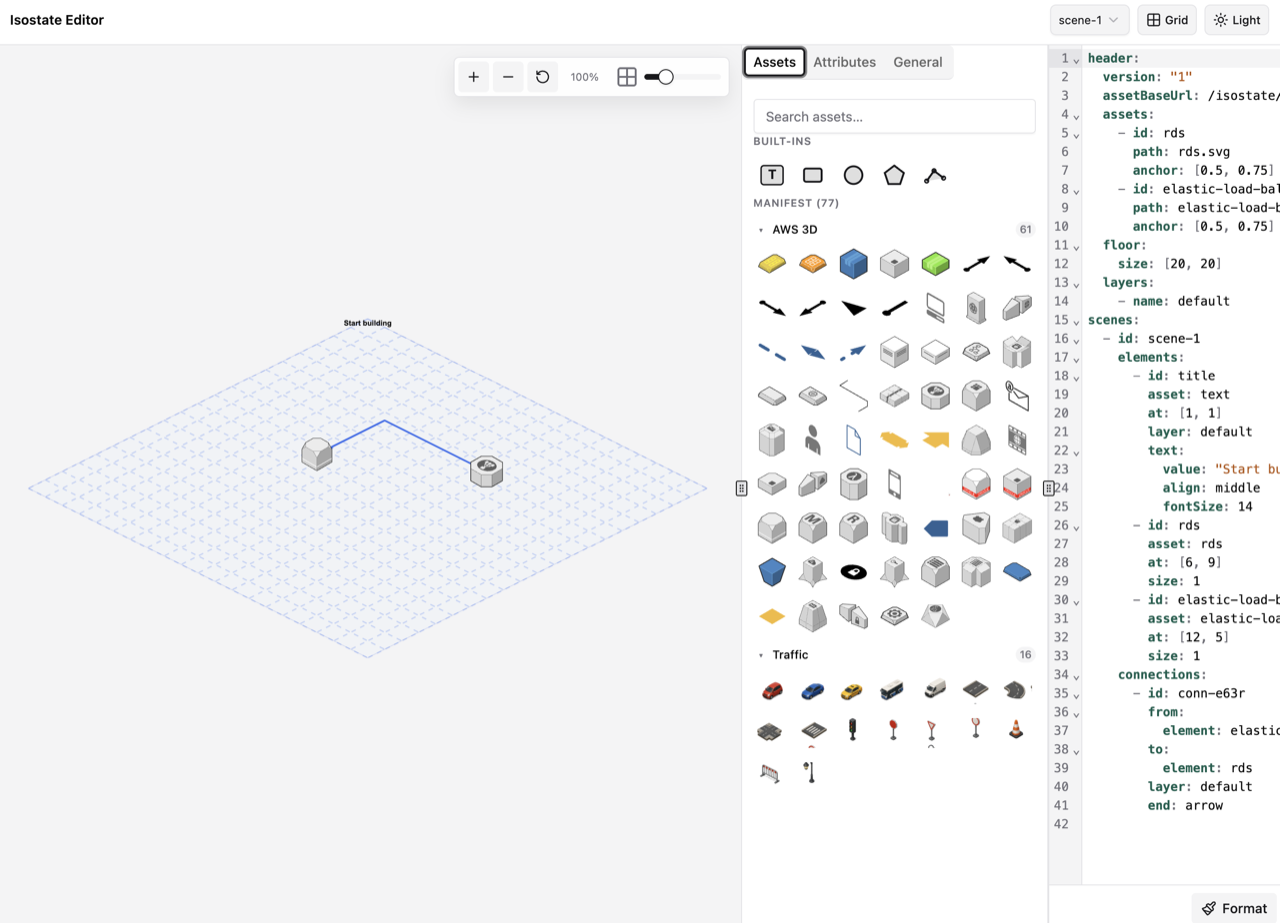
The first scene is intentionally quiet: just the SVG floor grid. That gives every following object a visible entrance instead of starting from a finished diagram.
- Floor and layers are defined once in YAML
- No 3D engine or canvas setup required
- The scene can build from nothing as readers scroll
YAMLscene shell
header:
  layers:
    - {name: ground, order: 0}
    - {name: streets, order: 2}
    - {name: vehicles, order: 5}
floor:
  size: [18, 13]
  visible: true
scenes:
  - id: ground-only
Scene 02
Bring in the street and houses.
The route now has context: a straight road, two larger houses, and a few trees in the corner. These are ordinary elements and connections added by a scene delta.
LayeringGround shapes, roads, buildings, labels, and vehicles each sit on explicit layers.
YAMLadd elements
- id: neighborhood-enters
  add:
    elements:
      - id: start-house
        asset: route-house-start
        layer: buildings
        at: [1, 9]
        size: 2
      - id: end-house
        asset: route-house-end
        at: [15, 6]
        size: 2
    connections:
      - id: main-road
        route: [[3, 8], [14, 8]]
        style: {variant: road}
Scene 03
Add labels and the navigation arrow.
Start and end labels appear, along with a blue route arrow from origin to destination.
- Text labels are generated from YAML
- Connections can be arrows, routes, or roads
YAMLconnection
- id: route-appears
  add:
    elements:
      - id: start-label
        asset: text
        at: [3, 7]
        text: {value: Start}
      - id: end-label
        asset: text
        at: [14, 7]
        text: {value: End}
    connections:
      - id: navigation-arrow
        route: [[3, 7], [14, 7]]
        style: {pattern: dotted, stroke: "#2f80ed"}
        start: dot
        end: arrow
Scene 04
Place the car at the start.
The car enters on the road, not on top of the house. From here the scroll position drives a continuous movement along the straight segment.
EntranceThe scene can reveal one object at a time without changing the page layout.
YAMLelement entrance
- id: car-start
  add:
    elements:
      - id: route-car
        asset: route-car
        layer: vehicles
        at: [3, 8]
        enter: slide-in-left
  update:
    connections:
      - id: navigation-arrow
        style:
          pattern: dotted
          strokeWidth: 7
        ambient:
          - name: flow
Scene 05
Move the car and activate the route.
The car moves from the start of the road to the middle while the navigation arrow switches into an animated active state. The route and the object tell the same story at the same time.
- Element movement is authored as a scene update
- The arrow gives the movement a navigation feel
YAMLmovement
- id: car-center
  update:
    elements:
      - id: route-car
        at: [8, 8]
        ambient:
          - name: pulse
    connections:
      - id: navigation-arrow
        style:
          pattern: dotted
          strokeWidth: 7
        ambient:
          - name: flow
Scene 06
Drive to the destination.
The car reaches the end of the road. Keeping the road straight makes the interpolation easy to read and avoids awkward corner turns.
YAMLfinal movement
- id: car-finish
  update:
    elements:
      - id: route-car
        at: [14, 8]
        ambient:
          - name: pulse
    connections:
      - id: navigation-arrow
        style: {pattern: dotted}
        ambient:
          - name: flow
Scene 07
Finish at the destination.
The destination is highlighted and the final label appears in the bottom right of the scene.
YAMLarrival state
- id: destination-reached
  add:
    elements:
      - id: arrival-label
        asset: text
        at: [17, 12]
        text:
          value: Arrived
          align: end
          fontSize: 24
  update:
    connections:
      - id: navigation-arrow
        style: {pattern: solid}
        ambient: []